Key Takeaways
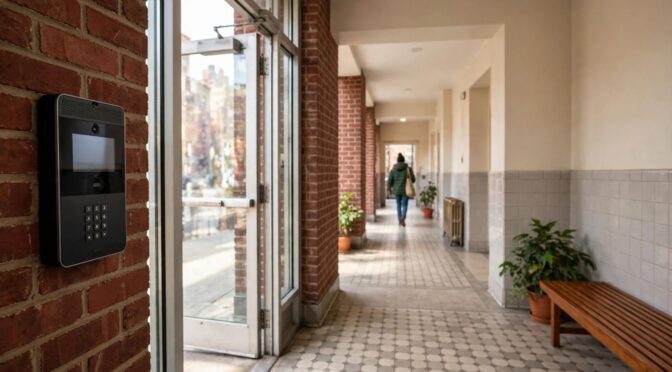
A good video intercom plan starts with the building, not a preset package. Use the system type, wiring, door hardware, installation scope, and ongoing upkeep to guide your decisions.
- Compare wired, wireless, and IP-based systems against your building’s layout and residents’ needs.
- Inventory entrances, units, existing wiring, network coverage, and door hardware before choosing equipment.
- Make sure the outdoor station, resident devices, release hardware, and power supply work together.
- Request a written, itemized scope that accounts for installation conditions and future service.
- Keep the system clean, secure, and tested so faults do not go unnoticed.
Choose the right video intercom system
The right system depends on how people move through your building and how residents prefer to answer visitors. A small property with one entrance has different needs from a multi-unit building with a lobby and a second controlled door. Start by weighing the practical trade-offs rather than assuming that the newest or most feature-rich option is automatically best.
Wired systems for reliable connections
Wired systems connect stations and resident devices through cabling, which can provide a dependable path for audio, video, and door-release signals. The existing cable type and condition matter: older wiring may be usable, may need adaptation, or may need replacement after inspection. A technician can trace the pathways and confirm what the current infrastructure can support before you settle on a system.
Wireless systems for simpler retrofits
Wireless equipment can reduce the need to run new cable through finished walls, which may be useful when a retrofit would otherwise require substantial disruption. It still depends on suitable power and a reliable signal between devices. Check coverage at the actual entry and resident device locations, not just in a nearby room, and ask what happens if the network or power is interrupted.
IP-based systems with smartphone access
IP-based systems use a network to connect devices, and some setups let residents respond through a smartphone app. Before choosing one, confirm that the building’s network can support the equipment and that residents are comfortable using the proposed method. A multi-tenant video entry example can help you frame questions about lobby panels, tenant directories, and shared entrances without assuming that one layout fits every property.
Features to compare, from entry codes to video recording
Feature lists can make systems look similar, so compare what each function means for your building in daily use. Ask whether the system supports the entry methods you need, how residents receive calls, and whether any video storage is included or requires separate equipment or service. Consider everyday resident access alongside administrative convenience, privacy, and the way a visitor call is handled.
A short demonstration is often more useful than a long list of specifications. Have the installer show how a call appears, how a resident responds, and what happens when someone does not answer. That makes it easier to judge whether the controls will be clear for residents with different levels of technical comfort.
Assess your building’s needs before installation
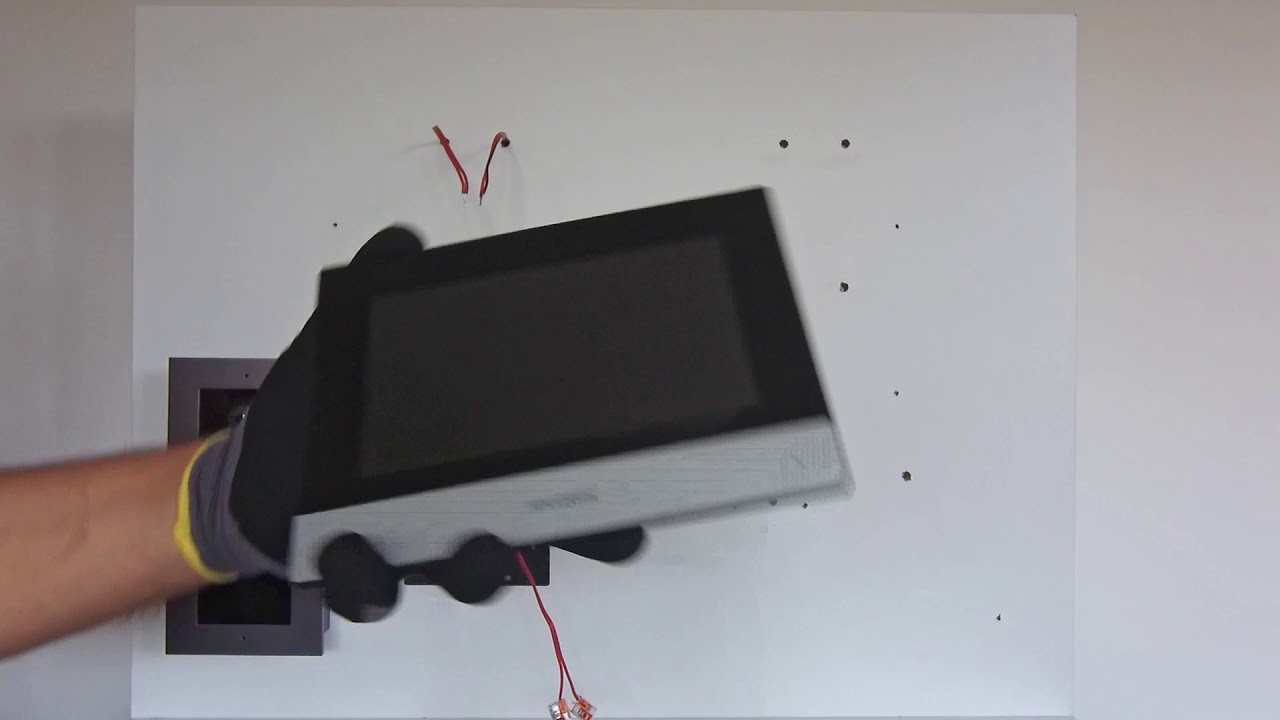
A careful survey can prevent mismatched equipment and avoidable installation changes. Walk the property as a visitor would, noting where calls begin, where residents answer, and which doors need controlled release. For video intercom installation bronx projects, site conditions and resident routines should shape the scope from the start.
Count entrances, units, and access points
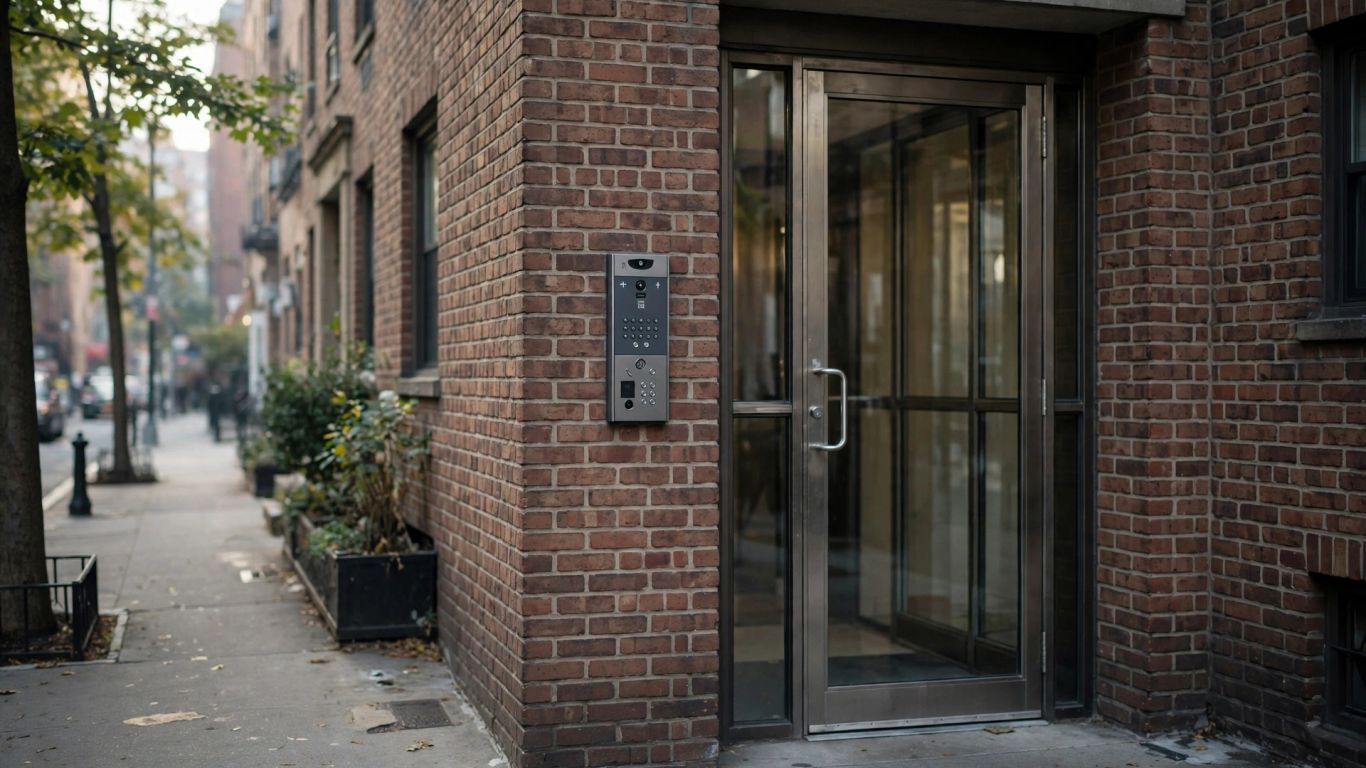
Make a simple inventory of every public entrance, vestibule, gate, and resident station that may need to connect to the system. Record the number of apartments or offices, along with any separate service or delivery entrance that should be handled differently. This count gives installers a practical starting point for panel capacity, directory setup, and the number of indoor or mobile endpoints.
Check existing wiring and network coverage
Look for accessible wiring routes, existing intercom cable, power sources, and network equipment. Do not assume that an old cable is suitable just because it is present; its condition, path, and compatibility need to be checked. If the system will rely on a network, test signal strength at the entry station and other intended device locations, including areas behind thick walls or metal doors.
Consider door and gate hardware compatibility
The intercom must work with the door hardware it is expected to release. Identify whether each controlled opening uses an electric strike, magnetic lock, or gate relay, and confirm how it is powered and operated now. A site review should also check door operation and the release sequence, since a compatible intercom cannot compensate for a sticking door or a faulty lock.
Account for accessibility and resident needs
Consider panel height, button visibility, directory readability, call volume, and the time residents need to answer. A building may have residents who prefer a physical indoor monitor, while others may welcome an app-based option. Ask about language needs, mobility considerations, and how guests or staff should reach residents without creating unnecessary barriers.
Understand the main system components
A video intercom is a group of connected parts, not just a camera at the entrance. A call has to travel from the outdoor station to a resident device, and an authorized response may need to activate the door hardware. Understanding the roles of each component helps you spot gaps in a proposal and ask clearer questions about compatibility.
Outdoor stations, cameras, and call buttons
The outdoor station is the visitor’s point of contact. Depending on the design, it may include a camera, microphone, speaker, directory, keypad, and call buttons. Placement affects the view and sound quality, so the installer should consider lighting, weather exposure, vandalism risk, and whether a visitor can use the controls comfortably.
Indoor monitors and mobile apps
Residents may answer calls on an indoor monitor, a mobile device, or a combination of both, depending on the selected system. Check how calls are routed and whether the resident can see and hear a visitor clearly from the usual answering location. If an app is part of the plan, ask how accounts are created and removed when residents move.
Electric strikes, magnetic locks, and gate relays
Release hardware determines how a door or gate responds when a resident grants entry. Electric strikes, magnetic locks, and relays each have different wiring and operating requirements, so the intercom and access-control components must be coordinated. Keep the conversation focused on the specific opening: who can release it, what action triggers release, and how the door behaves during a power interruption.
Network equipment, power supplies, and backup options
Network switches, power supplies, and backup batteries can affect whether the system stays available during an outage or equipment fault. Ask which components require building power, which rely on network connectivity, and what backup is included in the proposed scope. Clear documentation of these connections makes future troubleshooting less of a guessing game.
Plan the installation process
A well-organized installation moves from inspection to mounting, connection, configuration, and testing. The sequence can vary with the building, especially when old cabling or door hardware needs attention. Unlimited Applications Security Company provides intercom installation and upgrades, with recommendations based on an assessment of existing equipment and property conditions.
Survey the site and confirm equipment locations
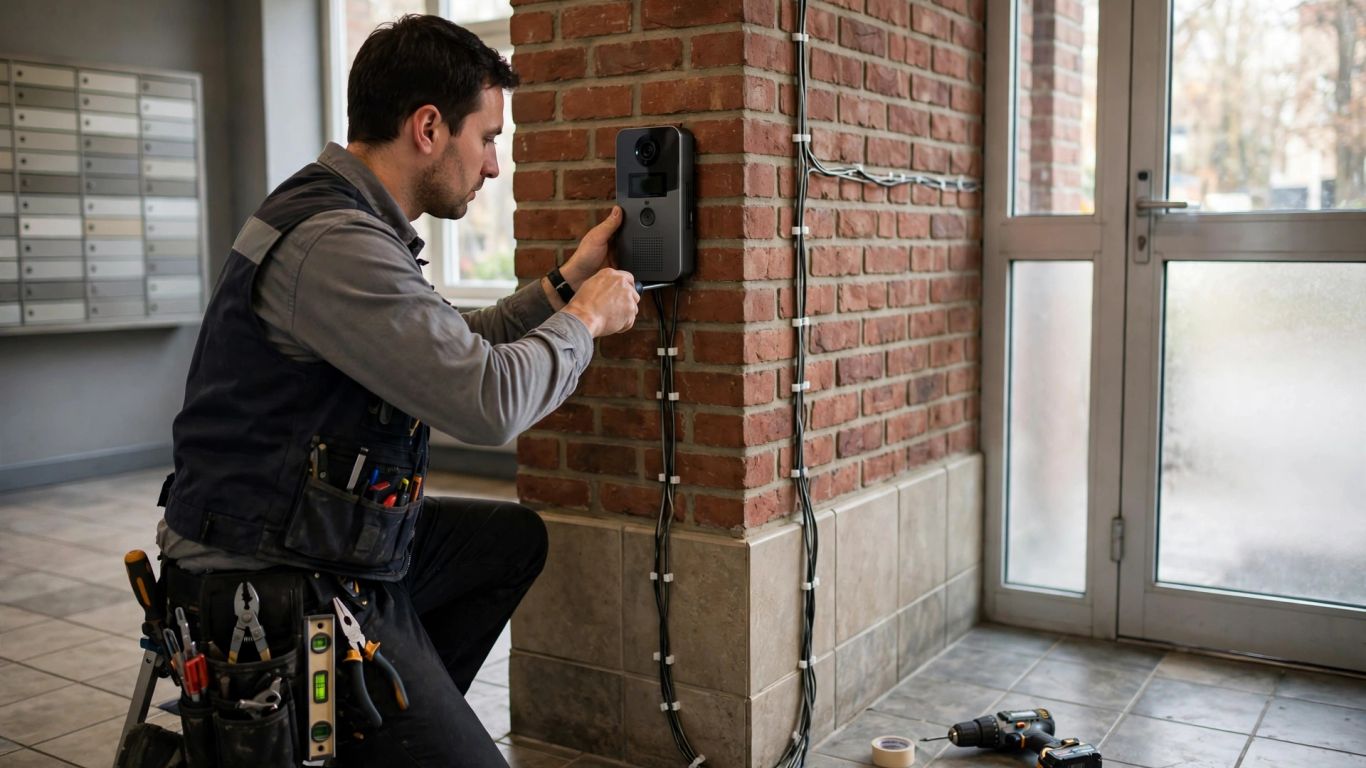
Walk the entry and resident areas with the installer before work begins. Confirm camera sightlines, call panel placement, monitor locations, cable routes, and the points where door-release equipment will connect. A Bronx intercom installation and repair service may be a useful starting point when you are arranging a local site assessment and want the existing panel, wiring, and door release considered together.
Prepare wiring paths and mounting surfaces
Once locations are agreed, identify how cables will reach each device and whether walls, ceilings, or exterior surfaces need preparation. In older buildings, concealed routes may be limited, and surface raceways or other approaches may be considered to keep work practical. Confirm who is responsible for patching, painting, masonry repairs, and access to locked utility areas before the installation date.
Connect and configure devices
The installer connects stations, resident devices, network equipment, power, and the door-release interface, then configures the system for the building. That can include setting up the directory and confirming which residents or staff should receive calls. Unlimited Applications Security Company also works with access-control systems, so define any related hardware connection explicitly rather than assuming it is included automatically.
Test video, audio, unlocking, and network access
Testing should cover the whole visitor-to-resident sequence, not just whether the screen turns on. Use a short commissioning list so each opening and call path gets checked before the job is considered complete:
- Place calls from each entry station and confirm the correct resident device rings.
- Check that video and two-way audio are clear at the intended answering locations.
- Test each authorized door or gate release and confirm it operates as expected.
- Verify network or app access, if included, and note any connection limits.
A record of the tests, device locations, and configuration details gives the building a useful baseline for future maintenance. Ask who should be contacted if a call fails or a door does not release after handover.
Estimate installation costs in the Bronx
Installation cost depends on the equipment selected and the work needed to fit it to the property. The number of stations matters, but so do cable routes, mounting surfaces, door hardware, and the condition of any existing system. Instead of comparing a single total in isolation, ask each provider to explain what the estimate includes and what conditions could change it.
Compare equipment and labor expenses
Separate equipment costs from labor in the proposal so you can see how the system design affects the total. Ask whether the quote includes outdoor and resident devices, power supplies, network components, configuration, testing, and removal of old equipment. A lower initial figure may leave out work that another estimate has included, so compare scope as carefully as price.
Factor in wiring, masonry, and access-control work
New cable runs, difficult pathways, drilling, wall repairs, and changes to door-release hardware can all add work beyond mounting the intercom stations. To make estimates easier to compare, look for these cost categories in the written scope:
| Cost area | What to clarify |
|---|---|
| Equipment | Which stations, monitors, and power components are included? |
| Wiring | Is existing cable reused, repaired, or replaced? |
| Surface work | Are drilling, patching, or masonry repairs included? |
| Door hardware | Does the scope include connecting or adjusting release devices? |
The table is a prompt for questions, not a price schedule; actual work depends on what the installer finds on site. Ask for any exclusions and additional-work rates in writing so you can compare proposals on the same basis.
Budget for multi-unit buildings and shared entrances
For a multi-unit property, confirm how the tenant directory will be maintained and how many resident devices or accounts are included. Shared entrances may also require coordination with a vestibule door, gate, or separate service entrance. If work affects common areas, allow time for building approval, resident notices, and access arrangements so the schedule reflects more than the installation crew’s on-site hours.
Ask how warranties and future service affect total cost
Check what parts and labor are covered, how long coverage lasts, and what conditions might limit it. Ask how the building can request service after installation and whether routine checks or future changes are quoted separately. Unlimited Applications Security Company troubleshoots existing intercoms and recommends repair, replacement, or an upgrade after assessing the equipment, rather than treating every issue as a reason to replace the system.
Select a qualified installation provider
A suitable provider should understand the connection between the visitor station, resident devices, wiring, network, and door hardware. Ask how the team will assess the existing system and how it will handle problems found during the work. You want a clear scope and a practical handover, not a vague promise that every part of the building will work without a documented plan.
Look for relevant intercom and access-control experience
Ask whether the installer has worked with properties of a similar size and layout, including the type of entry hardware at your building. Experience with intercoms and access control is useful when a project involves both calls and door release. Unlimited Applications Security Company works across intercom, video, access-control, camera, and alarm systems; ask any provider to describe the specific work that matches your project.
Request a written scope, timeline, and itemized quote
A written proposal should identify equipment, locations, cabling, door hardware work, configuration, testing, and any excluded repairs. It should also note the expected sequence and what the building must provide, such as access to apartments or electrical rooms. Clear detail helps you catch misunderstandings before they turn into change orders or missed handover tasks.
Confirm licensing, insurance, and applicable requirements
Ask for current proof of insurance and confirm that the provider is qualified for the electrical and low-voltage work involved. Clarify which party is responsible for checking building rules, permits, and any applicable safety requirements. If the project touches shared doors or other regulated building systems, get the relevant requirements confirmed before work starts.
Check references for projects in similar buildings
References are most helpful when the property resembles yours in size, age, or entry layout. Ask how the installer handled occupied apartments, existing wiring, door-release testing, and follow-up service. You can also ask what documentation the client received at completion, since a good handover makes routine management easier.
Maintain and secure your video intercom
Routine attention helps you notice small faults before they affect the whole entry sequence. Set a simple schedule for checking the panel, resident devices, network connections, and release hardware. Good upkeep also includes account management and knowing who to contact when the system behaves differently than usual.
Keep cameras and entry stations clean
Wipe the outdoor station and camera area with a soft, appropriate cloth, following the equipment maker’s care instructions. Avoid harsh cleaners or excess moisture that could damage buttons, openings, or the lens. While cleaning, check for loose mounting, blocked views, worn labels, or buttons that stick when pressed.
Update software and review access permissions
When the system uses an app or network-connected devices, keep software updates in the maintenance routine and follow the provider’s instructions. Review resident and staff access when people move, roles change, or a device is replaced. Remove accounts that no longer need access and keep administrative credentials limited to the people responsible for the system.
Test backup power and door-release functions
Follow the manufacturer or installer’s guidance for checking backup power, and record the date and result. Test the door-release function under normal operating conditions, making sure the door closes and latches after use. Do not interfere with life-safety hardware or bypass required controls; have a qualified technician investigate anything that seems unsafe or inconsistent.
Arrange service for faults, damage, or system upgrades
A failure to ring, poor audio, blank video, or a door that does not release may come from the station, wiring, power, network, or hardware. Note the symptoms, affected units, and when the problem occurs before requesting help. A focused description can help the technician troubleshoot efficiently and determine whether repair, replacement, or an upgrade makes sense.
Conclusion
A reliable video intercom starts with a clear picture of how your building works: its entrances, residents, wiring, network, and door hardware. Use that information to compare systems, request a well-defined installation scope, and plan for testing and maintenance. With those steps in place, you can make a practical choice that fits the property and its day-to-day use.
Frequently Asked Questions
How long does video intercom installation take?
The timeline depends on the number of devices, the state of existing wiring, access to work areas, and whether door hardware or wall surfaces need additional work. Ask the installer to distinguish on-site installation time from any lead time for equipment or building approvals.
Can a video intercom use existing wiring?
It may be possible, but the cable type, condition, route, and compatibility need to be checked. A site assessment can establish whether existing wiring can be reused, adapted, repaired, or should be replaced.
Can residents answer a video intercom call on a phone?
Some systems support smartphone access, while others use indoor monitors or offer both options. Confirm which devices and network requirements are included and how resident accounts are administered.
Does a video intercom work with an existing electric strike?
It can work with existing release hardware when the intercom and strike are compatible and correctly connected. The installer should inspect the hardware and test the complete release sequence before handover.
What affects the cost of installation in the Bronx?
Equipment, labor, cable runs, mounting conditions, masonry or patching, and door-release work can all affect the total. The building’s size and number of entrances also influence the scope, so request an itemized estimate based on an on-site review.
Should a building replace or repair an old intercom?
That depends on the system’s condition, the availability of compatible parts, the nature of the fault, and the building’s needs. Have the existing equipment assessed before deciding whether repair, replacement, or a partial upgrade is appropriate.
What should be tested after installation?
Test calls from each entry, video and two-way audio, every intended door or gate release, and any network or app functions included in the project. Ask for the results and basic operating instructions as part of the handover.